

IPTV Smarters Pro: what it is and how to set it up
IPTV Smarters Pro is a player app made by another company. It plays channels but sells none, so on its own it shows you nothing — you need a subscription from a provider, such as ours. Setup takes about two minutes: install the app, choose the Xtream Codes login, and enter the username, password and server URL we send you.
What is IPTV Smarters Pro?
It is a media player for IPTV services. It takes the login details your provider gives you and turns them into a channel list, a film and series library, and a TV guide. It holds no content of its own and has no channels to sell.
Do I need a subscription to use IPTV Smarters Pro?
Yes. The app is empty until you add a provider's details. Any service that supports Xtream Codes or an M3U playlist will work, including ours. If a site offers you the app with channels already in it, the channels are coming from a subscription somewhere, not from the app.
Is IPTV Smarters Pro free?
The app is free to download on most platforms. On some devices the developer charges a one-time activation fee for their app — that fee is set by them and goes to them, not to us, and it is separate from your subscription with us.
Supported devices
The app is published for the devices below. Availability depends on your device's app store and region.
- Smart TV
- Firestick
- Android
- iOS
- Windows
- Mac
Where to download it
Install it only from one of the official stores below, or from the developer's own website. Copies on unofficial sites are a common way to pick up a modified build, and we cannot support those.
Official stores
- Google Play
- App Store
- Amazon Appstore
How to set up IPTV Smarters Pro
How to set up IPTV Smarters Pro
The steps are the same on every device apart from where you install the app. Have the username, password and server URL we sent you to hand.
Smart TV and Firestick
- 1Open your device's app store and install IPTV Smarters Pro.
- 2Launch the app and accept the terms.
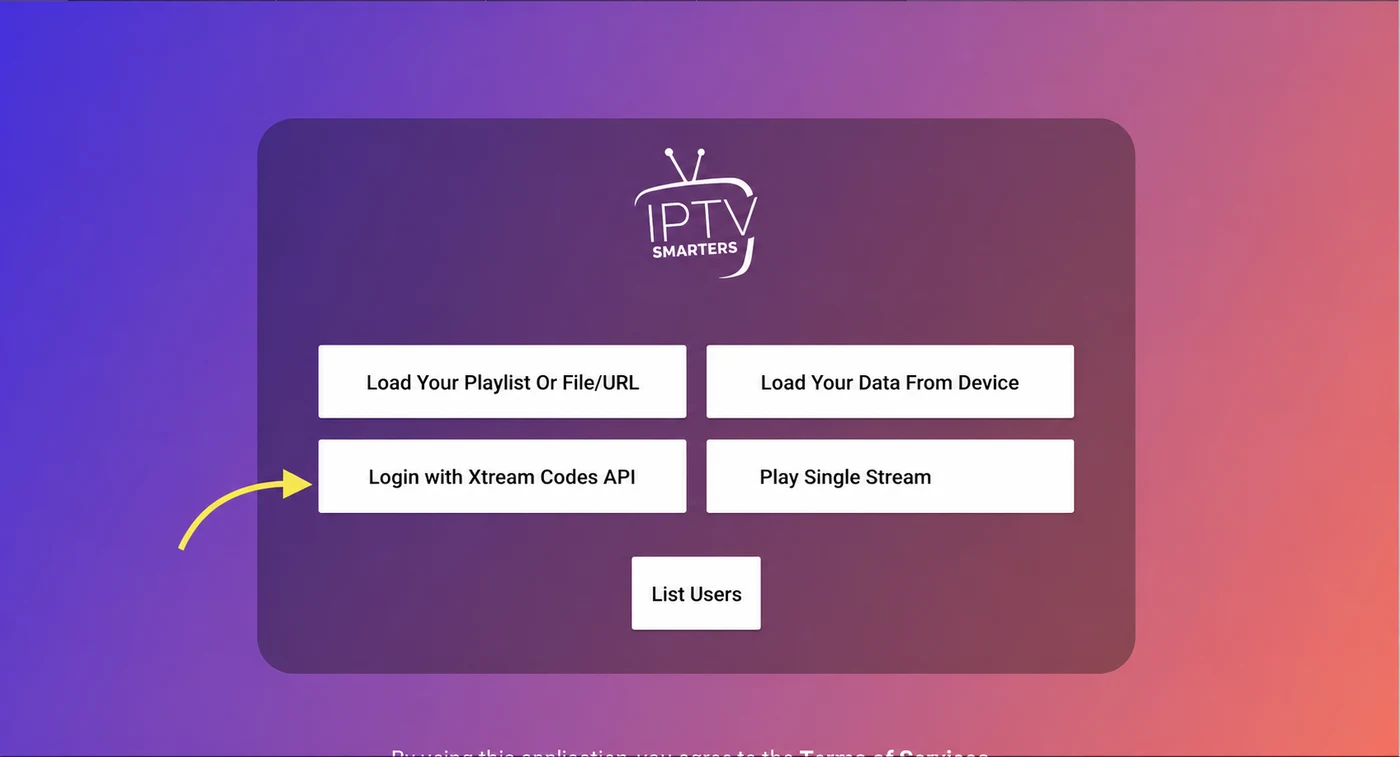
- 3Choose “Login with Xtream Codes API”.
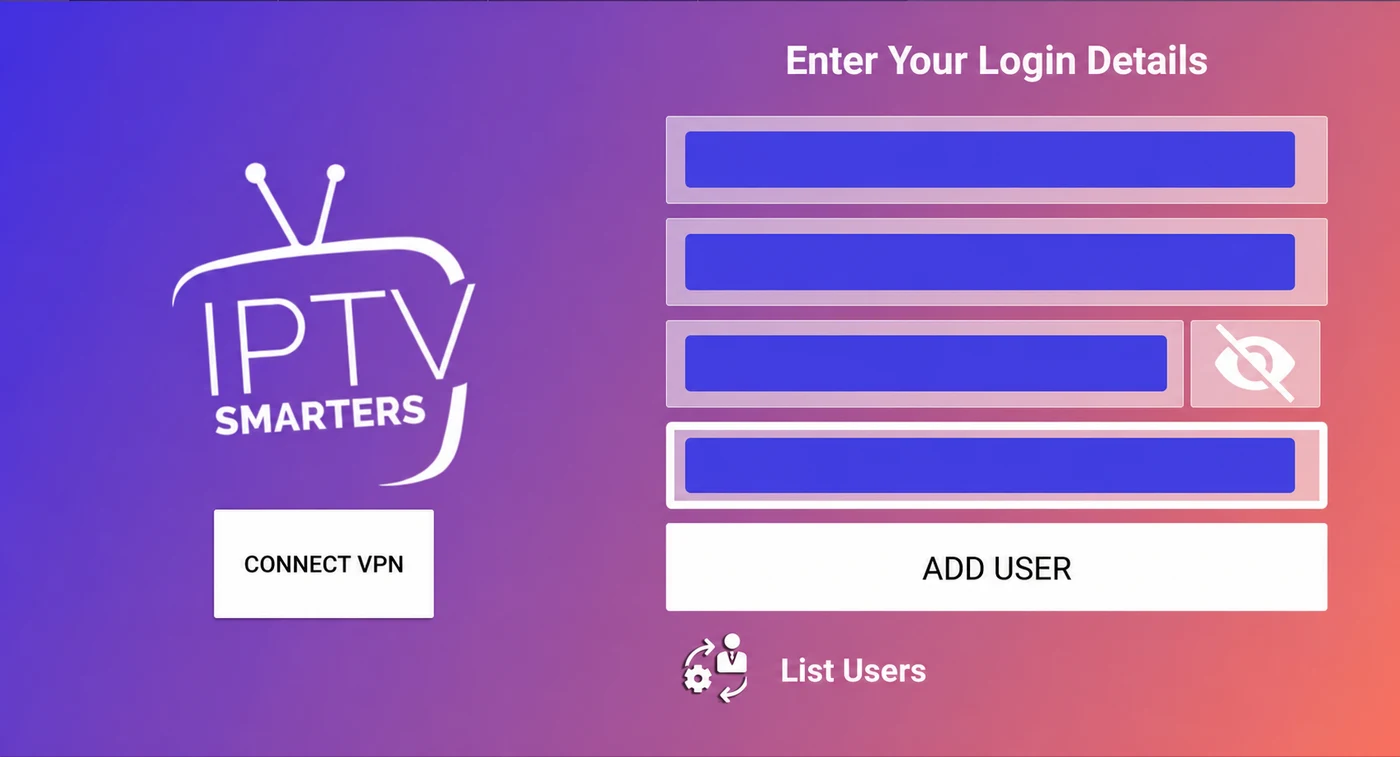
- 4Type any name for the profile, then enter the username, password and server URL we sent you.
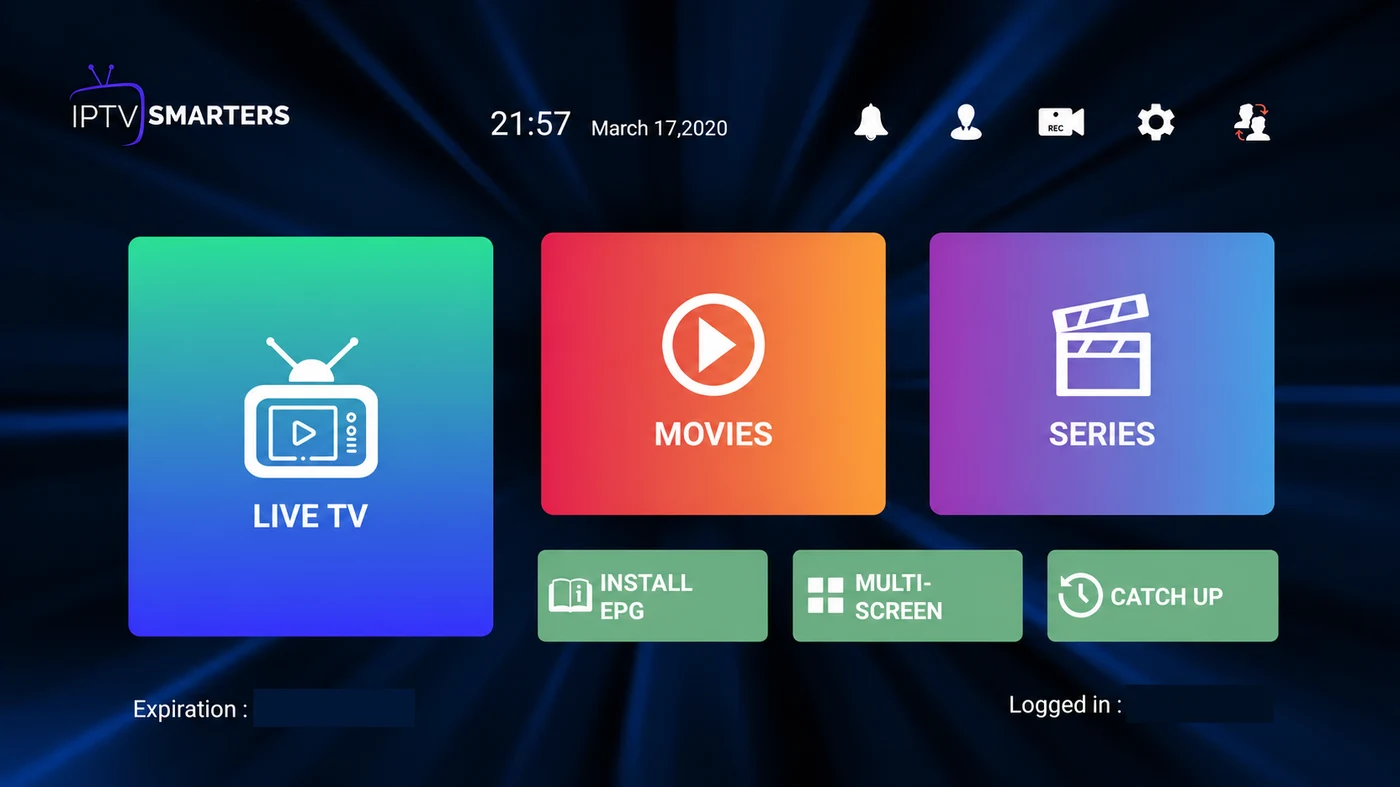
- 5Select Add User. Channels, films and the TV guide load within a minute.
Android phone or tablet, and iOS
- 1Install IPTV Smarters Pro from Google Play or the App Store.
- 2Open it and accept the terms.
- 3Tap “Login with Xtream Codes API”.
- 4Enter a profile name, then your username, password and server URL.
- 5Tap Add User to finish. Your list appears on the home screen.
Windows and Mac
- 1Download the desktop version from the developer's official website.
- 2Install and open it, then accept the terms.
- 3Choose the Xtream Codes API login.
- 4Enter a profile name, your username, password and server URL.
- 5Confirm to load your channels and library.
Using an M3U playlist instead
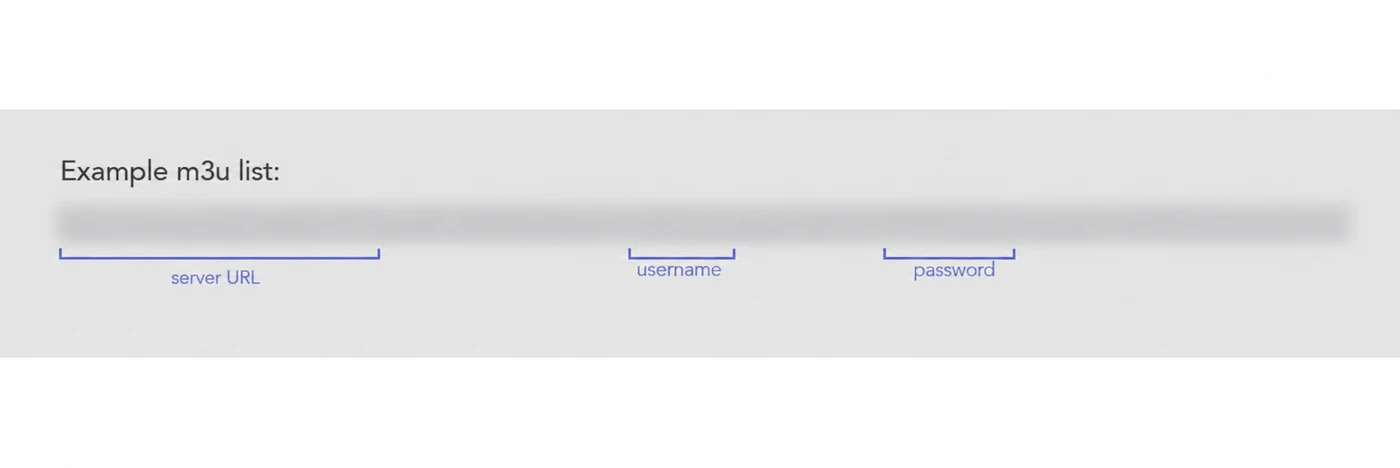
If you prefer, choose “Load Your Playlist or File/URL” on the login screen, give the profile a name and paste the M3U URL we sent you. Xtream Codes is the better option where available, because it also brings the TV guide and the on-demand library.
Troubleshooting
It says my credentials are invalid
Nearly always a typing problem. Check for a space at the start or end of the username, and make sure the server URL is exactly as we sent it, including http:// and the port number. Copy and paste rather than retyping.
Channels appear but will not play
That points at the connection rather than the login. Test your speed, try a lower quality version of the same channel, and if you are on Wi-Fi try a wired connection or move closer to the router.
The TV guide is empty
The guide can take a few minutes to populate after the first login. If it is still empty, check that your device's date, time and time zone are set automatically.
The app is not in my TV's store
Not every TV carries it. Message us on WhatsApp with your TV's make and model and we will tell you which supported player to use instead.
Frequently asked questions
Are you IPTV Smarters, or affiliated with the app?
No. We are an independent subscription service. IPTV Smarters Pro is made by another company, we have no connection to them, and their trademarks belong to them. We provide a subscription that works in their app, nothing more.
Does IPTV Smarters Pro come with channels?
No. It is a player with nothing in it until you add a subscription's login details.
Can I use the app on more than one device?
Yes, up to the device count on your plan. That number is how many screens can stream at the same time, not how many devices you may install the app on.
Can I try it before paying?
Yes. Ask for a free trial on WhatsApp and we will send you details you can enter in the app. Note that taking a trial and then subscribing makes the purchase non-refundable.
Ready to watch?
Get a free trial on WhatsApp, or pick a plan and we will send your details.