

HotPlayer: setup on Smart TV, Firestick and beyond
HotPlayer is a player app from STE DIGI VIBES that runs on more television platforms than almost anything else — Samsung, LG, Roku, VIDAA, Firestick, Windows and iOS. It holds no channels: you load a playlist from a provider such as us. It has a 30-day free trial, after which the developer charges its own activation fee.
What is HotPlayer?
A playlist player built for televisions. It handles up to three lists at once, has favourites, a keyword search, A-Z sorting, parental controls with a PIN, and channel switching by number from the remote. It contains no content of its own and nothing to sell you beyond the app itself.
Do I need a subscription to use HotPlayer?
Yes. HotPlayer shows nothing until you give it a playlist. We provide an M3U URL that works in it, as well as Xtream Codes credentials for players that prefer those.
Is HotPlayer free?
There is a 30-day free trial. After that the developer charges a one-time or annual activation fee per device, set by them and paid to them. We receive no part of it and cannot refund it. Check hotplayer.app for the current figure, because their site has listed more than one.
Supported devices
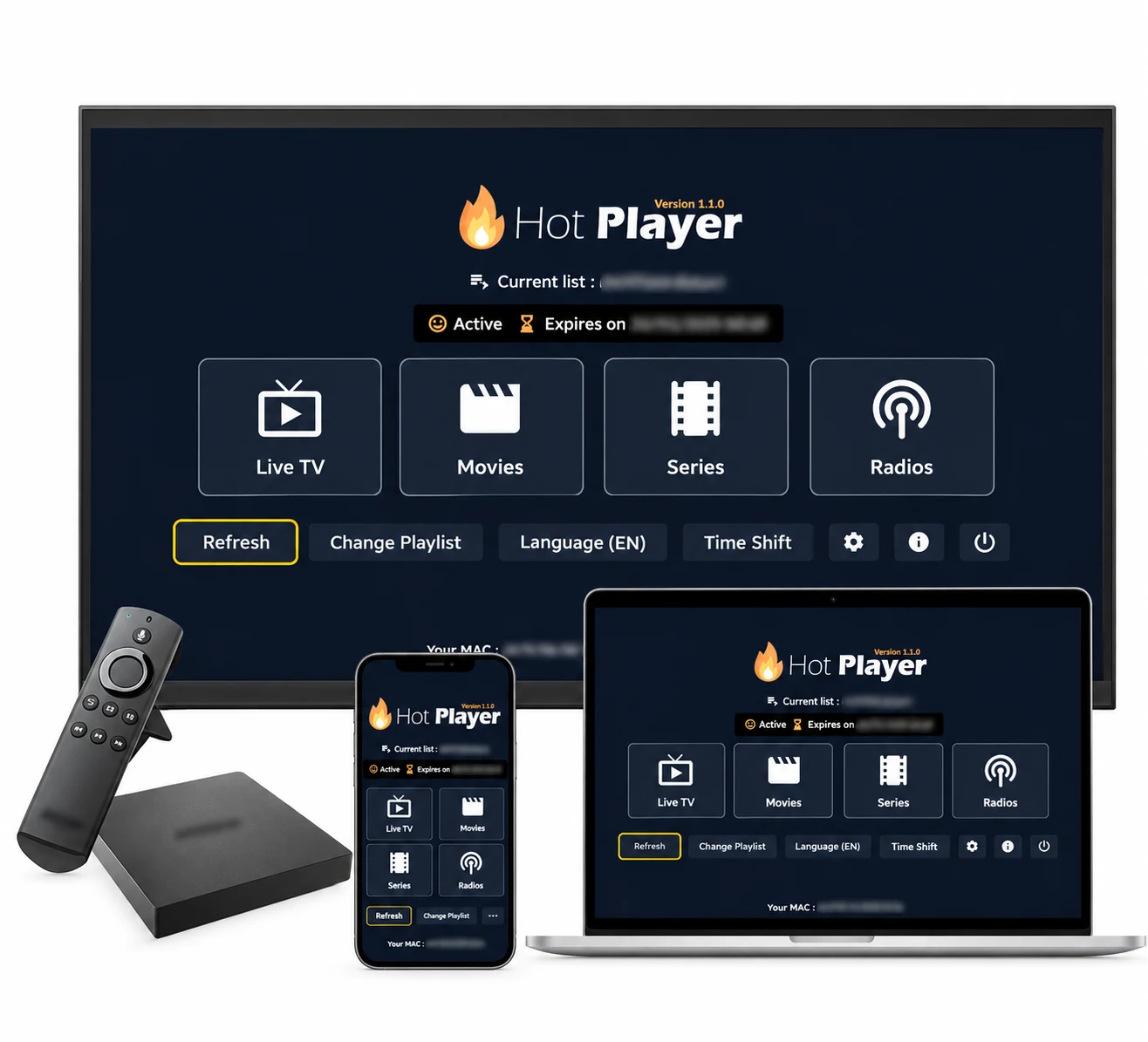
Samsung (Tizen), LG (webOS), Android TV, Amazon Firestick, VIDAA, Roku, Windows and iOS. This breadth is HotPlayer's main advantage: if TiviMate cannot run on your television, this usually can.
- Samsung (Tizen)
- LG (webOS)
- Android
- Firestick
- VIDAA
- Roku
- Windows
- iOS
Where to download it
On a television, install it from your device's own store — Samsung, LG, Roku, Google Play or the Microsoft Store. On a Firestick, use the Downloader app with the code below, or the direct link, both published by the developer.
Official stores
- Samsung TV Store
- LG Content Store
- Google Play
- Roku Store
- Microsoft Store
- App Store
This app charges its own activation fee, set by its developer. It is separate from your subscription with us and we receive no part of it.
Installing on Firestick with Downloader
The Firestick cannot install this from the Amazon store, so you use the free Downloader app. The code and URL below are the ones this app's own developer publishes — we do not invent codes, because a wrong one installs an unknown APK on your device.
- Downloader code
- 395800
- Direct APK URL
- https://apk.hotplayer.app
How to set up HotPlayer
How to set up HotPlayer
HotPlayer is playlist-based, so you need the M3U URL we sent you rather than the Xtream username and password. Ask us if you only have the latter.
Samsung, LG, Roku and other Smart TVs
- 1Install HotPlayer from your television's app store and open it.
- 2The app shows a device key or MAC address on screen. Note it down.
- 3On a phone or computer, go to hotplayer.app and open the activation page.
- 4Enter the device key and paste the M3U URL we sent you.
- 5Restart the app on the television; your channels load.
Amazon Firestick
- 1Install the Downloader app from the Amazon Appstore.
- 2In Downloader, enter code 395800, or the URL apk.hotplayer.app.
- 3Install the downloaded file and open HotPlayer.
- 4Note the device key shown, then add your M3U URL at hotplayer.app.
- 5Reopen the app to load your channels.



What Lock MAC does
In settings, Lock MAC stops anyone else resetting the playlist attached to your device. It is worth turning on if you have ever shared your device key with a third party, which some sellers ask for. If you later change television, you will need the developer to unlock it.
Troubleshooting
The app says my playlist link does not work
Check that the URL was pasted whole — these links are long and are easy to truncate. If it still fails, message us and we will reissue it.
My trial expired and the app asks for payment
That is the developer's activation fee, not ours. Your subscription with us is unaffected: if you would rather not pay it, switch to a player that has no fee, such as IPTV Smarters Pro, using the same credentials.
I changed television and my activation is gone
HotPlayer's activation is tied to a device key. Moving to a new television means a new key, which is handled by the developer rather than by us.
Frequently asked questions
Are you HotPlayer, or affiliated with it?
No. HotPlayer is made by STE DIGI VIBES, a separate company we have no connection to. We provide a subscription that works inside their app; their trademarks are theirs.
Can I use one subscription in HotPlayer and another app at once?
Yes, up to the number of devices on your plan. That number counts simultaneous streams, not installations.
Does HotPlayer support Xtream Codes?
The app is built around M3U playlists rather than an Xtream login. We send you both, so use the M3U URL here and keep the Xtream details for other players.
Need a playlist to load into it?
Get a 24-hour free trial on WhatsApp, or pick a plan and we will send your M3U link.